Maps Portals And Transitions
Description
This is ready to use Brick to move between connected scenes
It supports single and additive loading with persistence logic through DontDestroyOnLoad scene
If you dont really need to have few scenes loaded simultanously, you dont have to!
Use additive loading and all consequences tied to it only if you really need it!
There 3 pieces that make it work:
CallBinder_TriggerEnter - binder that will call specified method on TriggerEnter
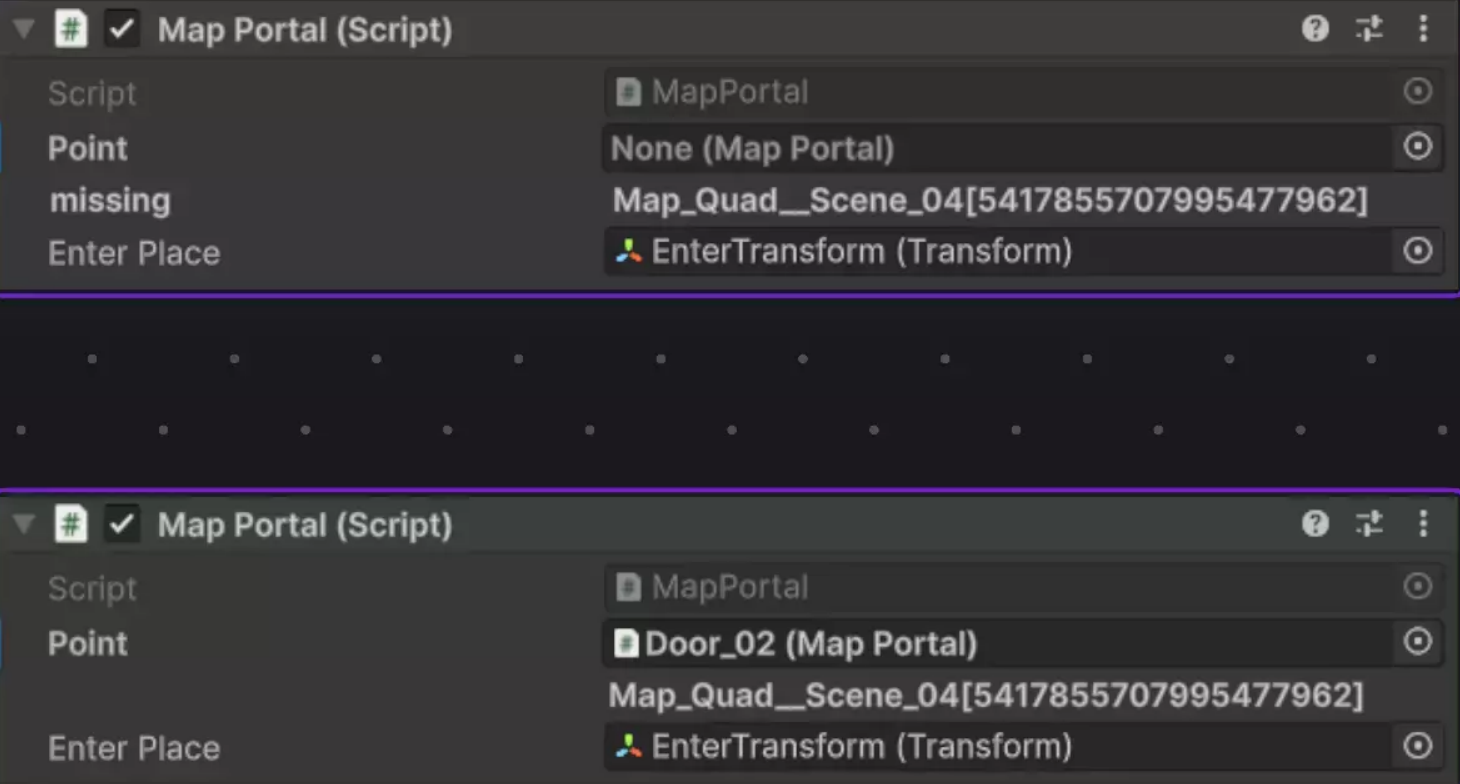
MapPortal - defines enter transform and CrossSceneLink to Portal on other scene
Service_MapTransitions - defines overridable transition logic to other scene with Store and Restore persistent Objects
All three is more template and starting point for project and expected to be copied customized for project needs
CallBinder_TriggerEnter : MonoBehaviour
Simple script
Reacts to Unity OnTriggerEnter and call specified method on target like MapPortal.GoToMapSingle_AtPoint
Fields
| Fields | Description |
|---|---|
| ColliderTag | React only on colliders with this tag (e.g. Player) |
| Target | Target object and method to call |
MapPortal
Logical portal between scenes
Do nothing by itself
Call its methods from code or by using CallBinder_TriggerEnter
Fields
| Fields | Description |
|---|---|
| Point | other portal this one linked to (on other scene/map). Load both scenes to link |
| EnterPlace | Transform that define position and orientation upon entering this scene/map though this portal |
Methods
| Method | Description |
|---|---|
| GoToMapDefault_AtPoint | Launch transition to another scene with default scene loading (Setted up on Service_MapTransitions) |
| GoToMapSingle_AtPoint | Launch transition to another scene with Single scene loading |
| GoToMapAdditive_AtPoint | Launch transition to another scene with Additive scene loading |
Service_MapTransitions
Serializable Struct to use as filed on your MonboBehaviours to reference objects in other scenes
Fields
| Field | Description |
|---|---|
| BackOverlay | Canvas to activate while transitioning |
| PlayerMobTag | Tag to find object for Persistence (Move to DontDestroyOnLoad and than back to loaded scene at Portal.EnterPlace) |
| DefaultLoadMode | Default load Mode to use (Single, Additive, or AdditiveNoUnload) |
Methods
all methods virtual and async allow custom implementation for project
| Methods | Description |
|---|---|
| GoToMap_AtPoint | Get T Component from referenced object or throw |
| FadeOut | Fade Out (Show back overlay) |
| StorePersistentObjects | Move object that must survive to DontDestroyOnLoad (obj marked with _playerMobTag ) |
| LoadMap | Unload old map and load new one |
| RestorePersistentObjects | Move object back to new loaded scene |
| FadeIn | Fade In (Hide back overlay) |
| PreloadMap | Convenient method to preload specified map/scene |
| UnloadMap | Convenient method to preload specified map/scene |