Flexy.Core
Game contexts, binders, composable actions, and shared utilities. The common foundation of the Flexy framework.
Tools for Unity
Less friction.
More game.
From your first prototype to a growing game. Pick the foundations you need and add useful tools for architecture, interfaces, gameplay, and development.
01 / Base
Core architecture, asset references, game states, UI screens, and persistent settings.
Game contexts, binders, composable actions, and shared utilities. The common foundation of the Flexy framework.
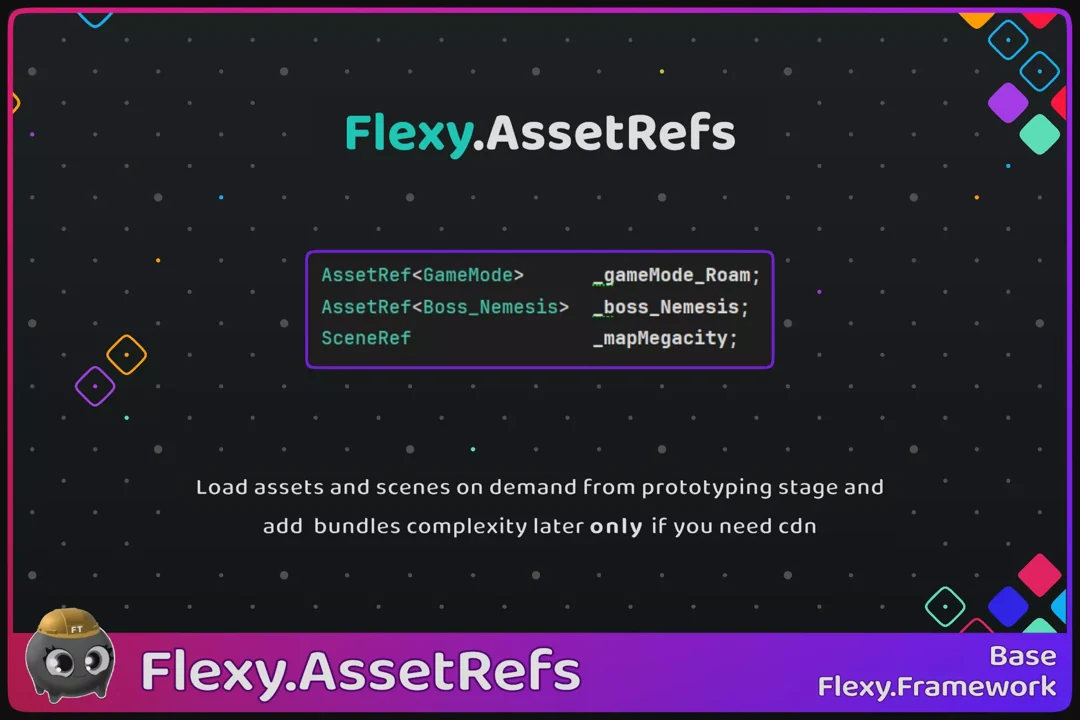
Reference and load assets or scenes on demand, without starting with Addressables or bundles. Extend the loading backend as your project grows.
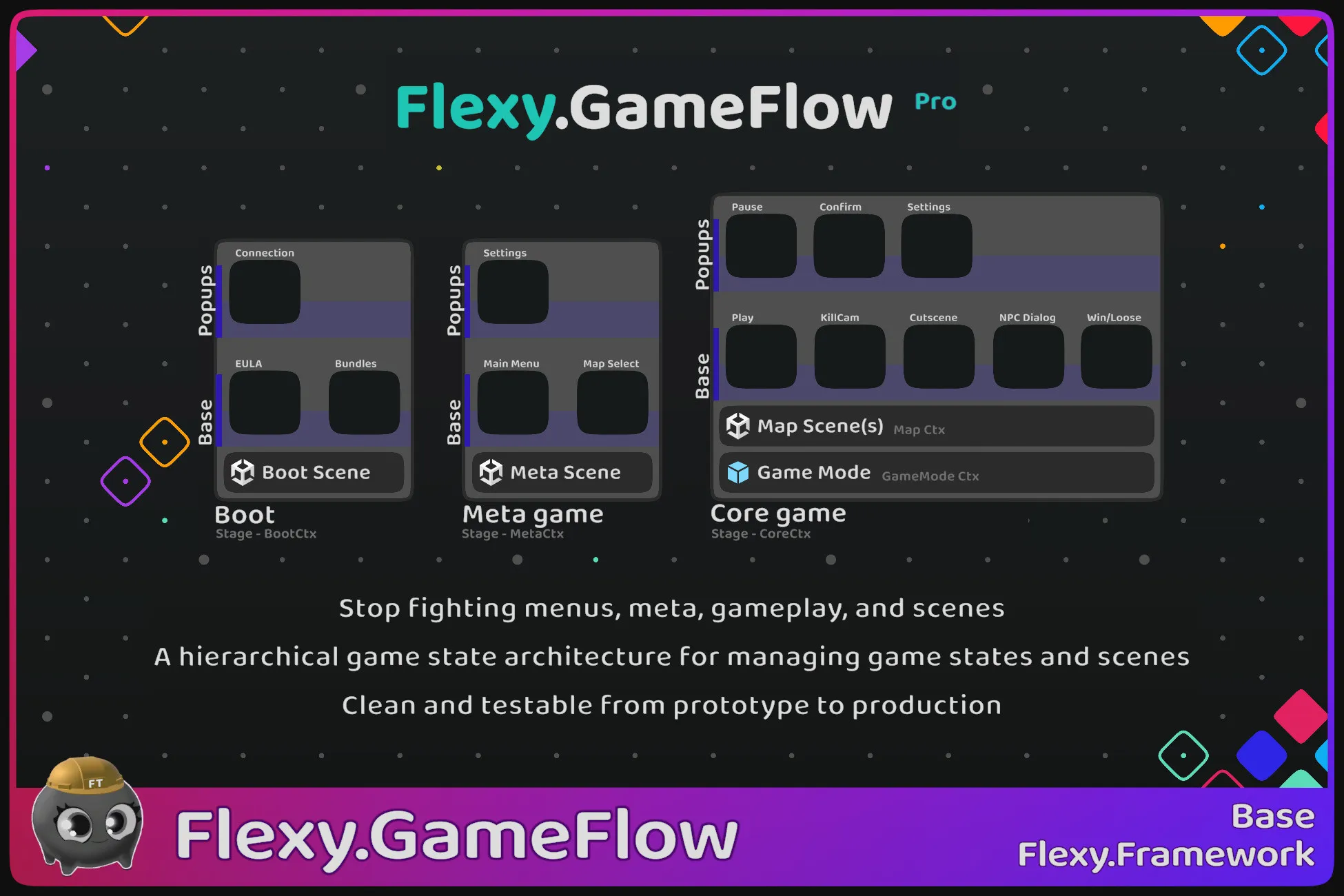
Structure boot, menus, and gameplay as explicit hierarchical states. Manage scene loading and test individual states in isolation. Pro adds substates, custom state layers, and richer transitions.
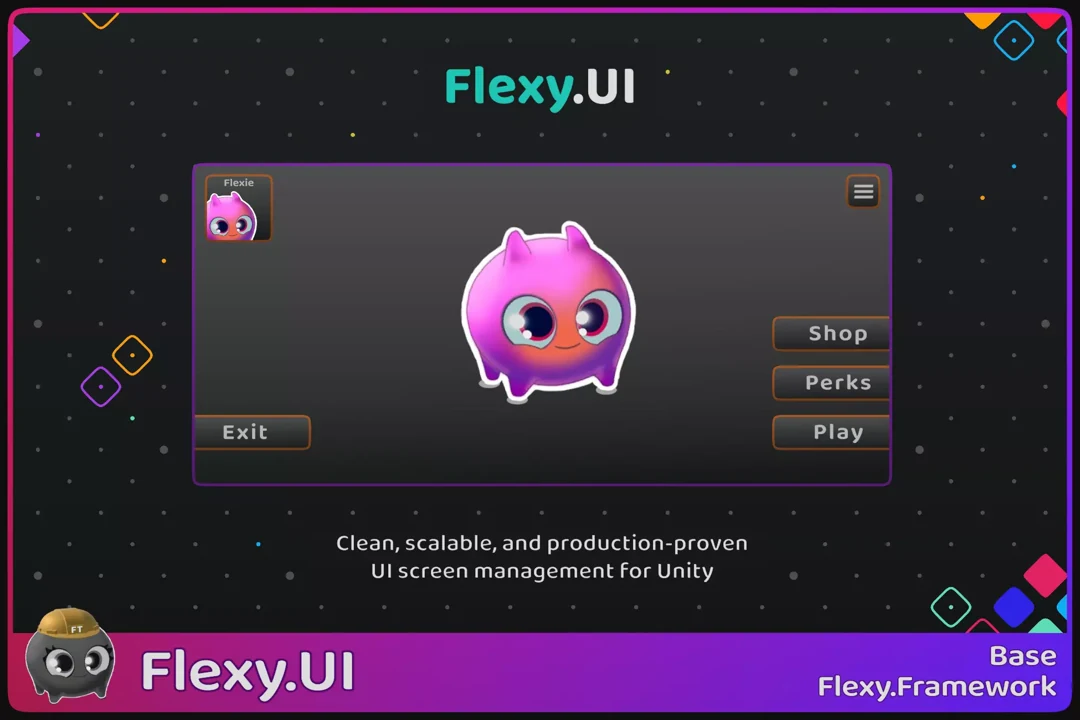
Build and navigate screens, popups, and loaders with standard Unity uGUI. Connect elements visually with binders and test screens in isolation.
Define persistent game settings with a small amount of code. Use PlayerPrefs by default, or provide your own storage and setting types.
03 / Play
Tools and systems for gameplay.
No published packages in this category yet.
04 / Utils
Logging and diagnostics that help you understand what your game is doing.
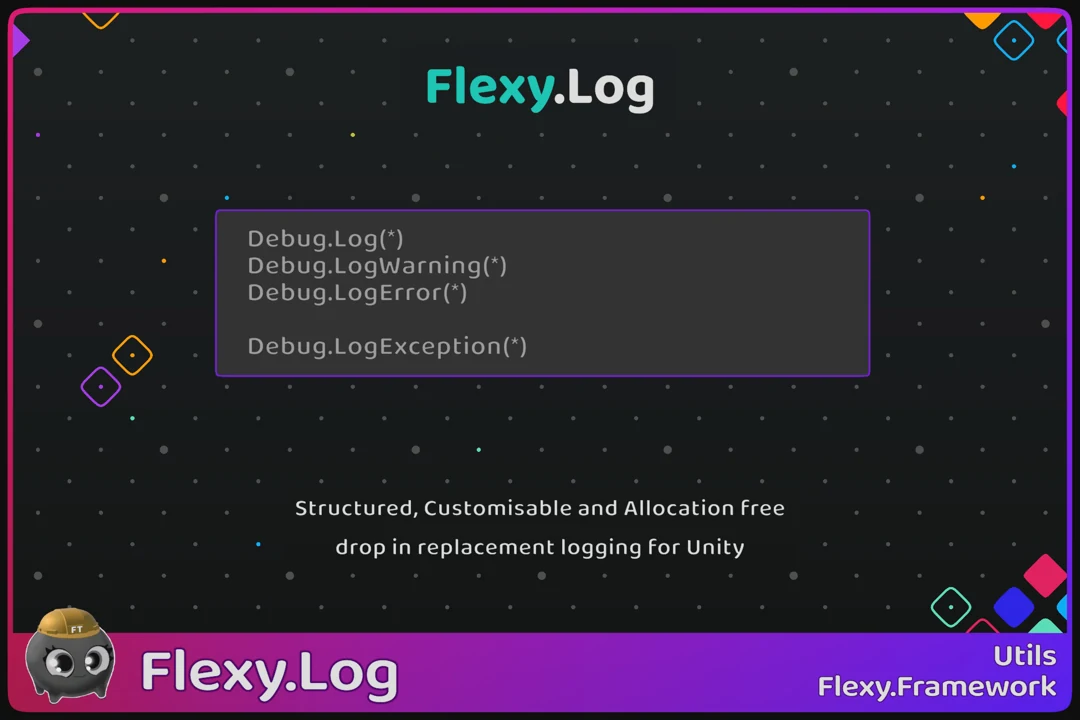
A structured replacement for Unity logging, with allocation-free string interpolation and runtime filtering by file or method.
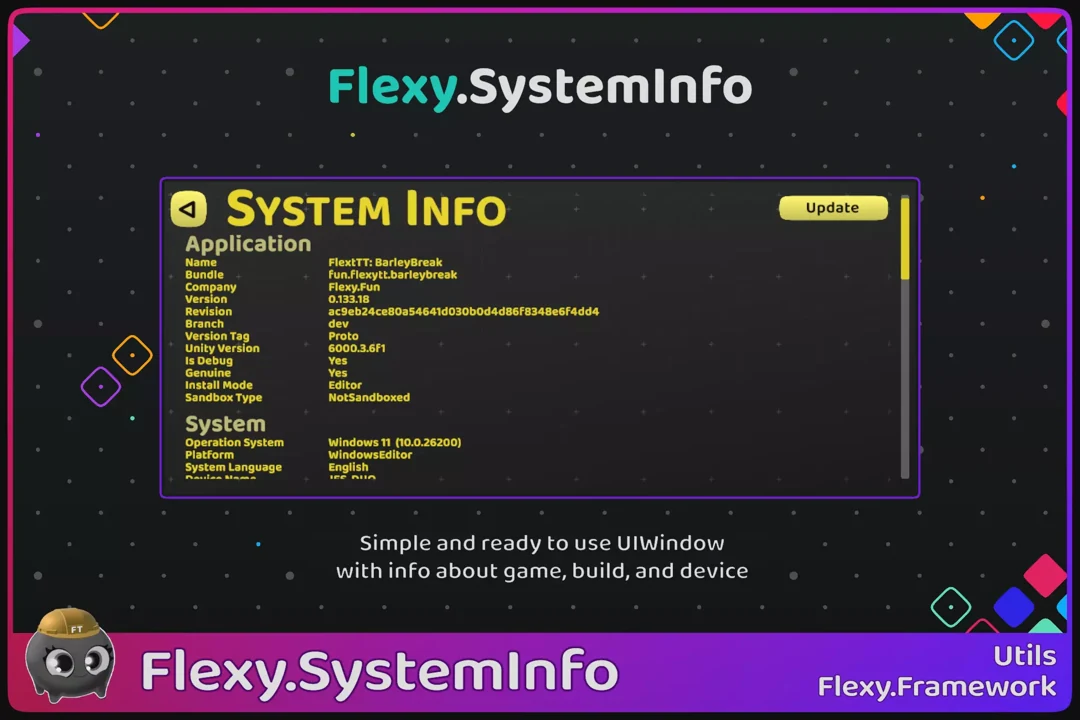
A ready-to-use UI window with game, build, device, and graphics information. Adapt the code and prefab to your debugging workflow.
Built to work together
Start with GameFlow Lite for game structure, AssetRefs for on-demand loading, or a complete template to explore how the pieces fit together.